Notes and Scales
Ableton Tutorial
Let’s go and look at the Ableton learning site and explore pitch, notes etc.:
Ableton’s Learning Music Site about Notes
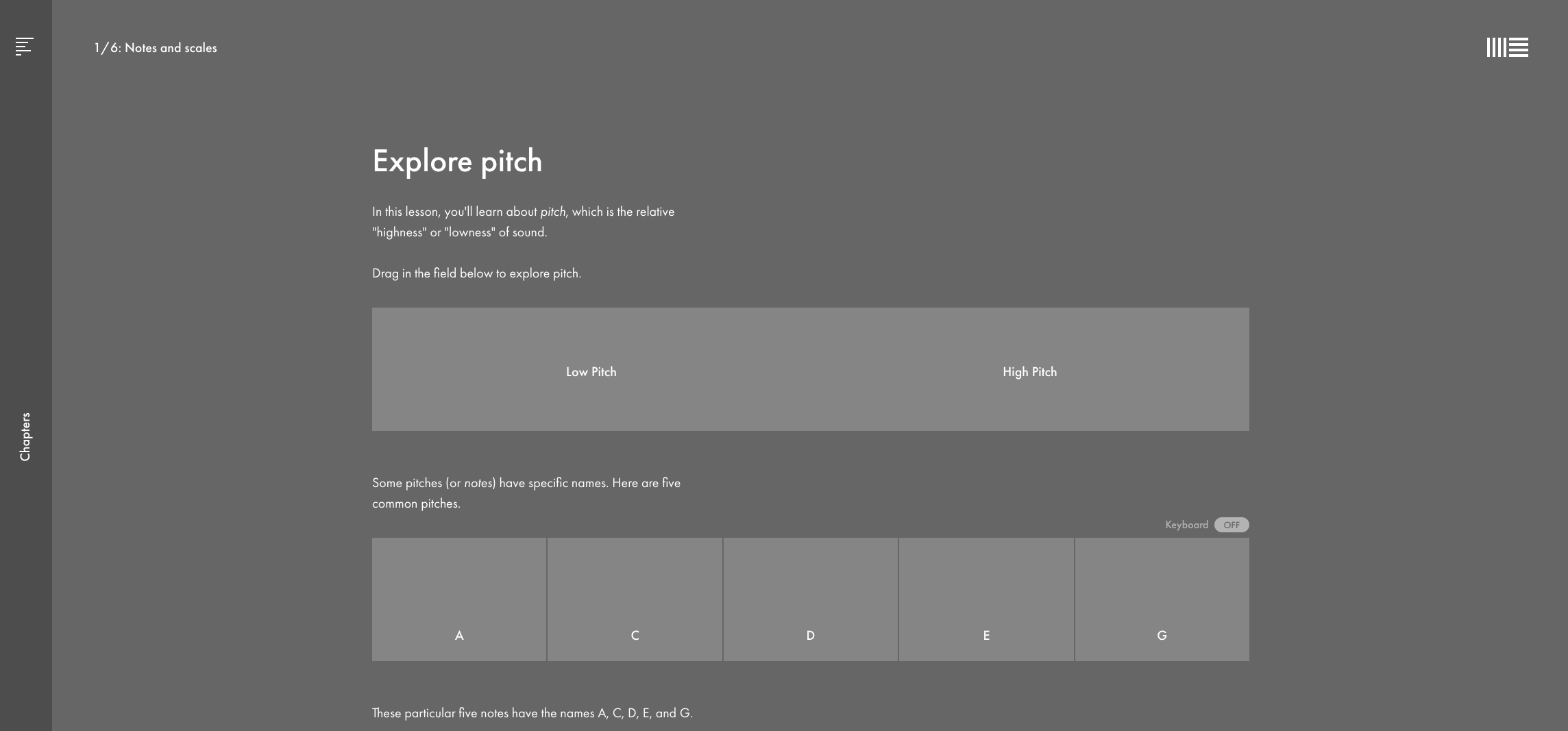
Pitches
One of the main purposes of MIDI is to transmit information about musical notes. You have:
- The Note (C, D, E etc to B) together with the:
- Octave (-2 up to 8)
- Velocity
- Note On & Off (or Note Length)
The range of values is between 0 and 127
Music Instrument
Given this information a synthesiser or sampler can generate a sound. You’ll find these instruments in Ableton unter Sounds and Instruments:
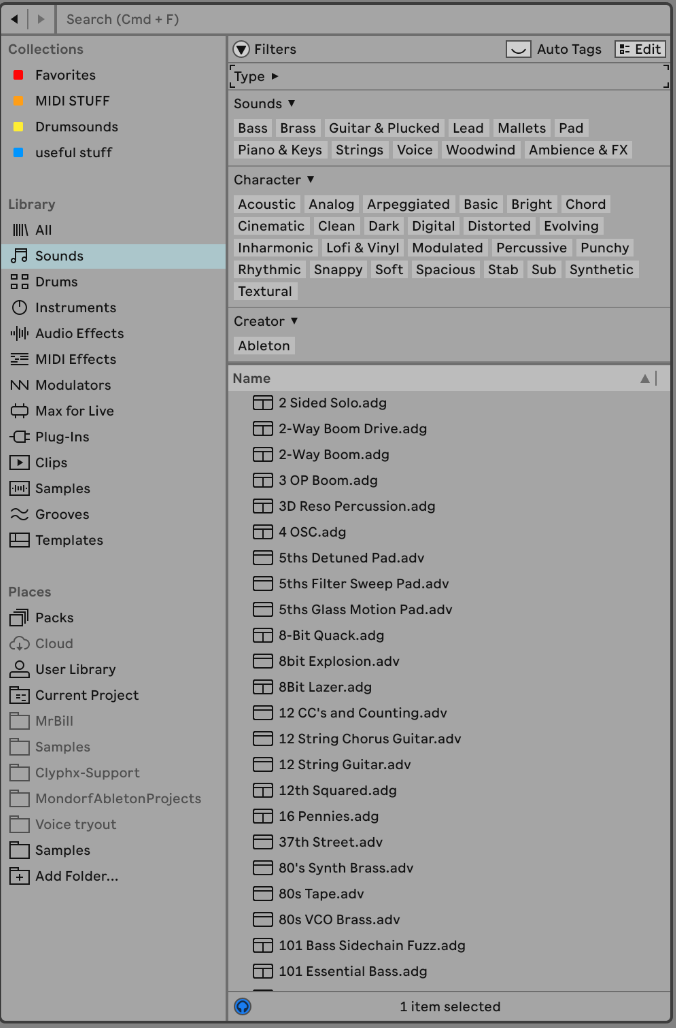
To input notes you can use the Draw Tool (shortcut B) or you can record with a Midi Keyboard or Launchpad.
It is very helpful to turn on Record Quantisation:

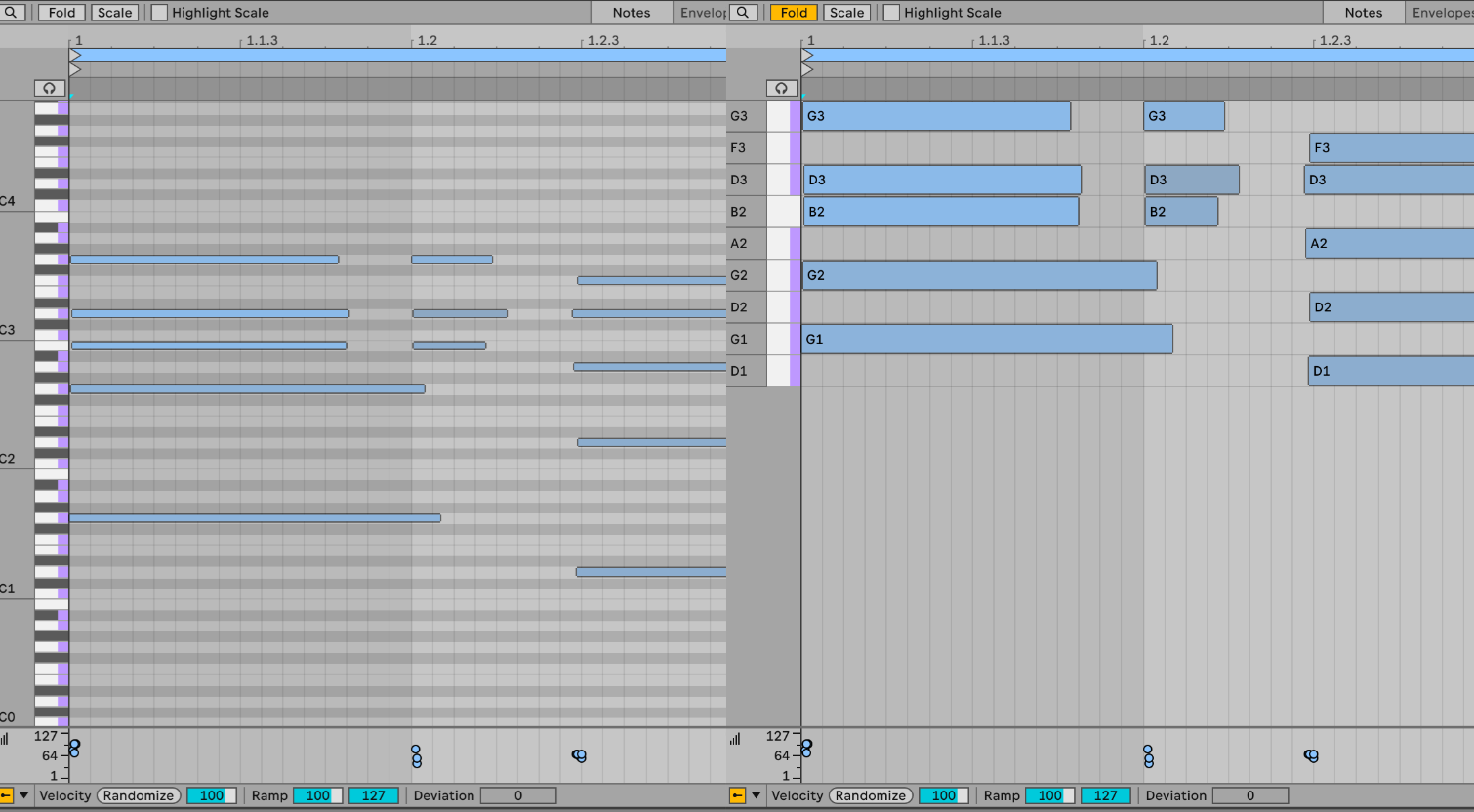
Fold Option
When editing a MIDI clip, you can “hide” all not-playing notes:
Scales
Ableton 12 has a feature where you define a scale like C Major or Eb Minor, like we saw earlier on the website tutorial. You have these options:
- set the root note
- set the scale tyoe
- highlight scale notes
- hide non-scale notes
