the GRID
everything has a place
Let’s have a look of the grid in Ableton. These are very important shortcuts as well.
If you drag or insert a clip to the timeline it “snaps” to a grid. It is defined rhythmically in 1/1, 1/2/, 1/16 etc….
There are two modes, one is relative to the actual zoom. If you zoom in or out with + and -, it will adapt.
Make the grid more narrow or bigger with cmd-1 and cmd-2.

The other mode is fixed and therefor also called Fixed grid. Turn on or off with cmd-5. In this mode you can as well switch the grid to triplet values with cmd-3.
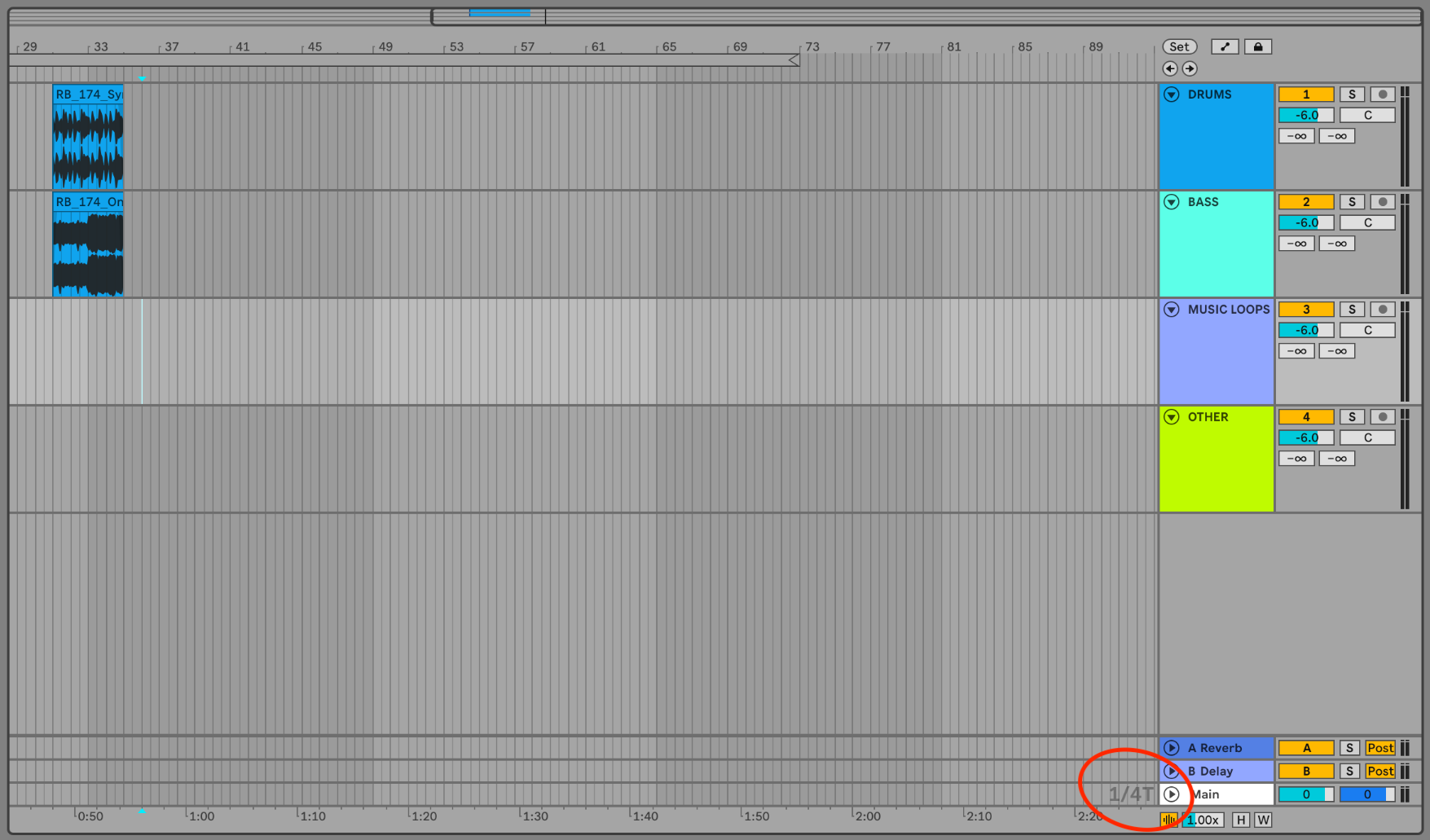
Lastly you can turn off(and back on) the grid overall with cmd-4.
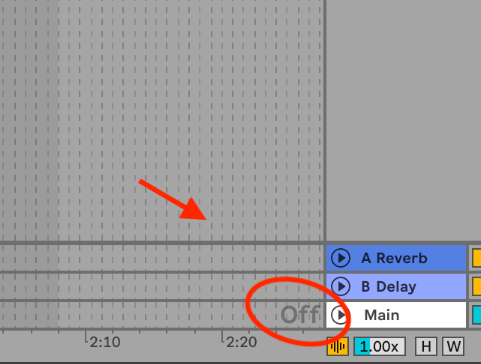
You also can turn off the “snap to grid” when dragging or editing by holding down the mouse button, press cmd and the grid will momentarily by off and you see that by the vertical lines being dashed.